
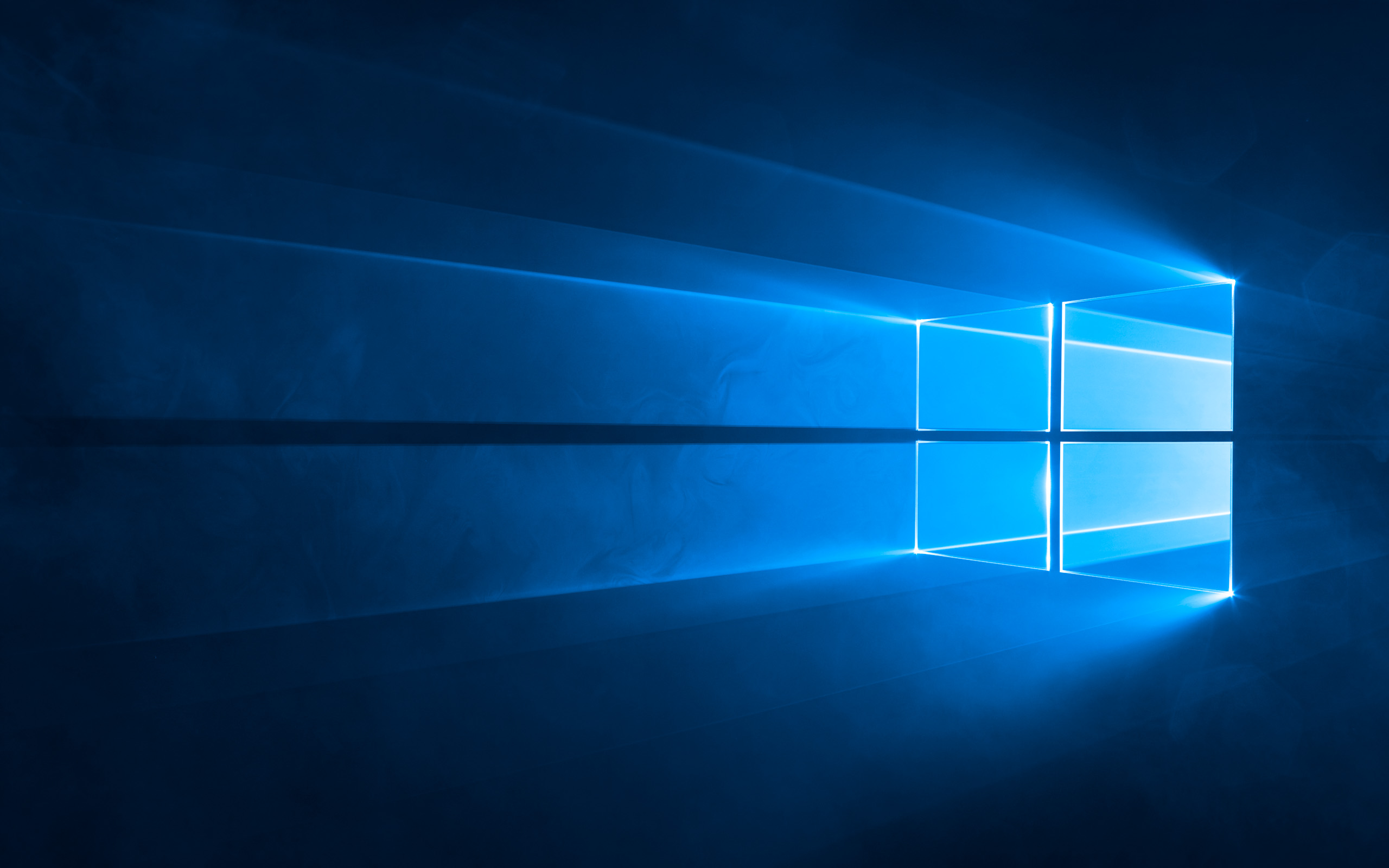
Image: Hero, also internally referred to as img0, is the default wallpaper of Windows 10 versions 1507 to 1809 (including Windows Server versions 2016 and 2019).
After ten years of service, Windows 10 officially reached its end of support on October 14, 2025. While this marks a technical milestone, for many of us—especially developers and longtime users—it feels more like saying goodbye to an old friend.
For over a decade, Windows 10 has been the invisible engine powering millions of homes, offices, and creative projects globally. It represents a long-standing commitment to service and reliability, a system that many of us, including myself, have woven into the very fabric of our professional and personal lives.
This week’s piece isn’t just a tech bulletin; it’s a fond farewell, a reflection on a journey I was privileged to be a part of, and a reminder of the steps everyone needs to take to remain secure in the new computing landscape.
A Look Back: My Personal Connection to Windows 10
I’ve spent my entire career immersed in technology, working with everything from classic Windows iterations to modern macOS and Linux distributions. My heart has always had a special place for the Windows platform, a system I quite literally grew up on.
My personal journey with Windows 10 began long before its official release, back when I was still in high school. I was a part of what Microsoft officially calls the Windows Insider Program. This program, which is open to “fans, enthusiasts, professionals, developers, and even Enterprise users,” allowed me and others to test and provide feedback on pre-release software builds. It’s a key part of Microsoft’s development process, giving them critical feedback before a product is finalized.
I still vividly remember the email arriving. I was running a much-loved Windows 7 machine (which, to this day, remains one of my personal favourites) and got a secretive message from the Microsoft developer program. The tone was electric: “We’ve got something big, super exciting for you… keep this confidential.”
What followed was the chance to download the “developer preview” or “Insider Preview” of what would become Windows 10. The experience of loading up that early, “alpha” version was absolutely fascinating. It was a clean slate, an amazing new interface built on a simple, blockish design language—a clear evolution from Windows 8.1, yet uniquely modern.
The moment the system settled onto the desktop was genuinely spectacular. Centre stage was the default ‘Hero’ wallpaper, internally referred to as img0—a visual marvel of light and shadow that felt immediately modern and absolutely amazing. It wasn’t just a static background; it was a powerful statement of design that I had truly never seen before in a Windows OS.
Being an Insider meant I was effectively a boots-on-the-ground troubleshooter, reporting bugs and glitches directly back to the development team. To be a small part of the creation, to witness the progress from a raw preview to the polished, globally-launched system, was a magical and unforgettable experience. It has been a constant companion on my work devices ever since, and for that, I will always hold a special respect for this operating system.
Windows 10: A Glorious Send-Off
In the tech world, product discontinuation can often happen quietly, a gradual fade into obsolescence. But with Windows, there’s always a sense of ceremony—a “glorious send-off,” as I see it.
Windows 10 has earned this moment. It has been the most dominant operating system for over a decade, serving as the stable foundation that bridged the gap from Windows 7’s classic architecture to the modern, secure platform of Windows 11.
What the End of Free Support Means for You:
As of October 14, 2025, Microsoft will no longer provide:
- Free Security Updates: This is the most critical change. Your PC will become increasingly vulnerable to new viruses, malware, and cyberattacks as new security flaws are discovered and not patched.
- Non-Security Updates and Features: No more free feature updates or routine quality-of-life improvements.
- Free Technical Assistance: Microsoft will no longer offer technical support for general Windows 10 issues.
Your PC will not stop working—it will simply be exposed to greater risk. For everyone’s sake—whether you’re a programmer, an artist, or just a casual user—you must take action now.
Your Essential Next Steps: Upgrade or Extend
For most users, the answer is simple: it’s time to move on. For others, like myself, who need Windows 10 for specific legacy software or simply because of a sentimental connection, there are options to maintain security, at least for a while.
Option 1: The Recommended Path (Upgrade to Windows 11)
The best and most secure option is to upgrade to Windows 11. For many, this is a free process, provided your hardware meets the minimum system requirements (which notably includes a TPM 2.0 security chip).
- Check Compatibility: Use Microsoft’s official PC Health Check app to see if your current device is eligible for the free upgrade.
- Action: If eligible, perform the free upgrade via Windows Update.
Option 2: The Bridge (Extended Security Updates – ESU)
For devices that are not eligible for the free Windows 11 upgrade—or for users with specific software needs that mandate staying on Windows 10—Microsoft offers the Extended Security Updates (ESU) Program.
The ESU program is a temporary, paid option that provides critical and important security updates for up to one year past the end-of-support date, extending protection until October 13, 2026.
ESU Details for Consumers (Including Canadian Users):
The first year of ESU has a purchase price of $30 USD ($42.1 CAD, plus applicable tax).
However, consumers can enrol for free via two other methods:
- Free Enrolment Option 1: Windows Backup Sync
- Enrol at no additional cost if you agree to sync your PC Settings with a Microsoft account and use the Windows Backup service.
- Free Enrolment Option 2: Microsoft Rewards Points
- Enrol by redeeming 1,000 Microsoft Rewards points.
This free enrolment option is key for individual users (running Windows 10 Home, Professional, Pro Education, or Workstations edition) who want to stay secure without an immediate upgrade. You can enrol your first device, and up to ten total devices, to this one-year ESU license.
- How to Enrol:
- Ensure you are running Windows 10, version 22H2 and are signed in with a non-child Microsoft administrator account.
- Go to Settings > Update & Security > Windows Update.
- Look for a link to “Enrol now” in the section about the end of support.
- Follow the prompts to choose your enrolment method (Backup sync, Rewards points, or one-time purchase).
A Developer’s Final Word
As a developer, I continue to use Windows 10 on a few specific machines for programming and software that simply won’t run correctly on a newer OS. Beyond the practical necessity, keeping one of those machines running is a nice, tangible reminder of the amazing journey and development I was part of.
But security is paramount. The ESU is a temporary lifeline, not a permanent solution. Whether you’re on Windows, macOS, or Linux, the principle is the same: always use a supported, up-to-date operating system. The moment a system loses its security patches, it becomes a liability.
Take a moment to acknowledge the decade of service and the innovation Windows 10 brought us. It was a magical platform that powered a generation of creators. Now, as we move forward, securing your digital future is the most important step in honouring that legacy.
A Final, Serious Thought: The Reality of Legacy Systems in Critical Sectors
Now, before we wrap up, let’s talk about something very real and very serious: the ongoing use of outdated systems in critical sectors like healthcare, government, and enterprise-level development. While we’ve been reflecting on the past decade of Windows 10, there’s a hard truth that needs to be acknowledged.
Many organizations, particularly in government, healthcare, and large enterprises, are still using outdated operating systems like Windows 7 or even XP—not because they want to, but because they absolutely need to. These sectors rely on legacy software that only works on older versions of Windows, and upgrading to a newer system isn’t just a matter of hitting “install” on the latest OS. It’s a massive undertaking.
Testing, ensuring compatibility, and deploying a new system in these organizations can take years. We’re talking about healthcare systems managing sensitive personal health data, government agencies safeguarding personal identification information, and enterprise systems that power critical business functions. These sectors can’t afford to rush the upgrade process, especially when the software they depend on simply won’t work on anything newer than Windows 7.
So, what happens when Microsoft pulls the plug on support? These systems become vulnerable. Without the security updates and patches, they’re at risk of cyberattacks, data breaches, and worse. It’s not just a matter of inconvenience—it’s a matter of public safety and national security.
As a society, we need to recognize that forcing rapid change on these industries isn’t always feasible or sustainable. The consequences of abandoning support for older systems are not just about an operating system, but about human lives, privacy, and security. Software companies, especially the giants like Microsoft, have a responsibility to consider the needs of these critical sectors and provide long-term support for legacy systems where necessary.
So while we can all be excited about Windows 11 and the next wave of innovation, let’s not forget that the real world is often slower to change, and for some, it’s a matter of survival. These legacy systems, including Windows 10, are not just outdated tools—they are the backbone of critical operations that impact millions of people every day.
The world of technology will always move forward. But as we look to the future, remember that it’s important to balance innovation with the security and stability needed for critical systems. Whether you’re an individual user or part of a larger organization, always prioritize security and take the steps necessary to protect your data, your systems, and your future.

Your voice counts! Leave a comment and let us know what you think